
Getting Court Records in Ohio
Begin with the Ohio court named on the case papers. Then decide what you actually need. It might be a docket sheet, one specific filing, a certified copy, or a transcript. Local court and clerk sites vary widely. One may offer a docket search, document images, a calendar, or an online request form, while another offers none of those, so one service never promises the whole file. The Court of Claims Odyssey Portal is the statewide exception, but only for that court's cases. For ordinary county matters, go through the local clerk or court that holds the record.
Public court records can be inspected directly through the custodian during normal business hours. That right comes from Ohio's court-access rules. Some courthouses add public terminals or records rooms, though availability differs by building. If a portal leaves you unsure, phone the division that keeps the case. Ask about mail, email, or counter pickup for copies. The Supreme Court of Ohio trial-court directory and the Ohio County Directory both help you reach the right local office.
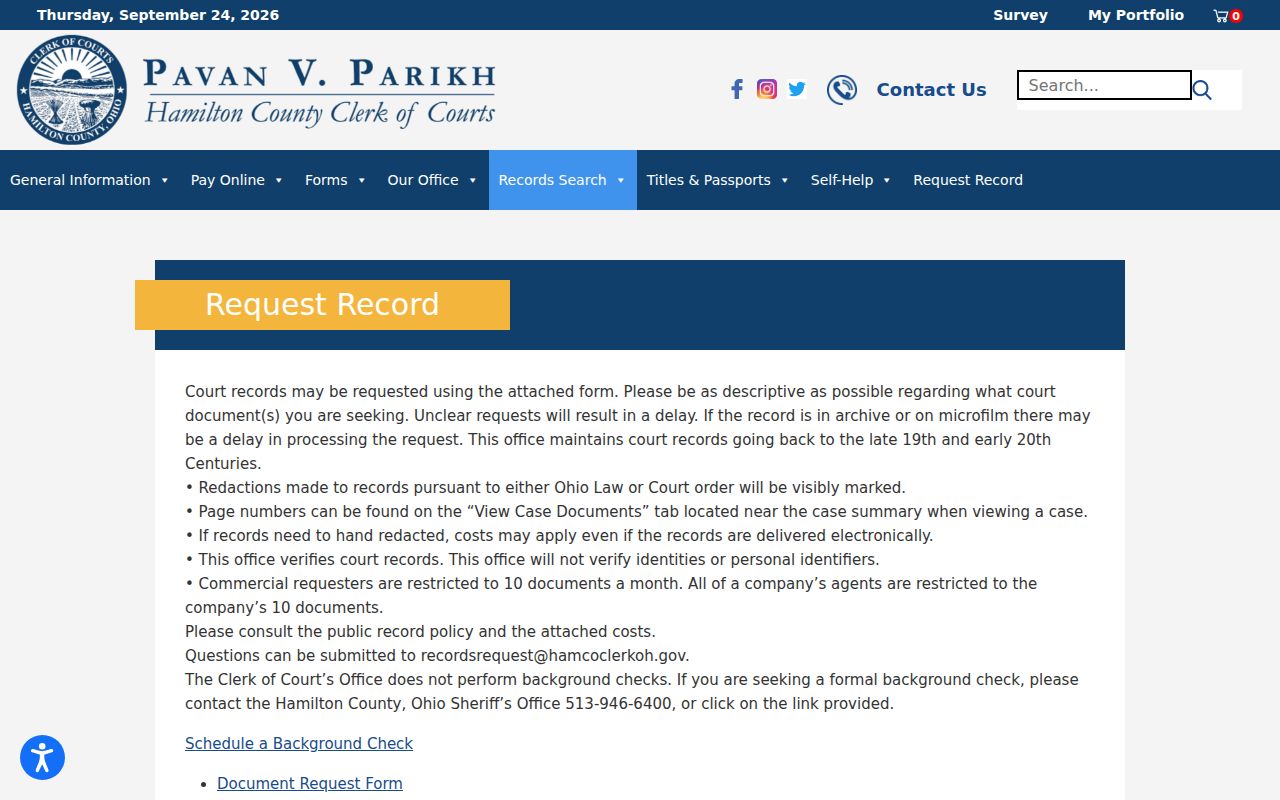
Hamilton County shows how one clerk handles this. Its document request page posts instructions for requesting records. Remember that its form and delivery choices belong to that clerk alone. They are not part of a statewide Ohio process. Another county runs its records counter its own way.
Before sending any request, pin down the case and the document as precisely as you can. The next Ohio clerk you call may use a different form, payment method, or delivery channel.
- Find the court, county, division, and case number from a notice, order, or filing.
- Search the local court or clerk site; use the county directory if the correct portal is unknown.
- For direct access, call or visit the office that holds the record and ask about terminals or archived files.
- For a copy request, give the case number, document name, and entry date, then state whether certification is needed.
- For a hearing transcript, contact the court reporter or transcriber rather than sending only a copy request to the clerk.
Note: Ohio has no statewide request form or universal certified-copy price for every court and division.
Three Ohio Court Record Formats
Three words get used interchangeably. But a docket, a filed document, and a certified copy are different Ohio court records. The docket is the clerk's chronology of papers and actions in a case. A complaint, motion, order, judgment, or service return is a separate document. An entry merely points to it. Some local portals show images of those filings. Others display only the docket history or make you request the document separately.
A certified copy is different again. The custodian clerk authenticates it, usually with a seal or certification statement. Printing a portal result or downloading a PDF does not make it certified. Even the Ohio Court of Claims portal attaches a notice. It says the online copy is not the official record. So name the item first. Say whether you need an ordinary copy or authentication before paying or asking.
- Docket sheet
- The chronological list of filings and actions in a case.
- Filed document
- The paper or image behind an entry, such as a motion or judgment.
- Certified copy
- A copy authenticated by the clerk or court that keeps the record.
Types of Ohio Court Records
You can sort Ohio court records by what they contain. You can also sort them by which office keeps them. A single docket entry can point to several documents. The case file holds the filings and orders in the court's record custodian's hands. A judgment may also trigger a later execution or satisfaction entry. Pick the record that fits your purpose first. Then confirm the local court's delivery and copy rules.
- Case docket: the dated history of a case, including filings, events, and orders.
- Pleading or motion: a party's filing, such as a complaint, answer, or request for a ruling.
- Journal entry or judgment: the court's written order or decision, including its terms.
- Transcript or audio: a record of a hearing, usually handled by the court reporter or transcriber.
- Appeal file: a separate record maintained by the appellate district clerk, distinct from the trial case file.
No Ohio court shares one public index of every document. Some local sites post the docket without images, and access to an Ohio court record can depend on the case type or a restriction placed on the file.
Note: Court and record type matter, so the clerk holding the case can confirm the correct route.
Ohio Appeals Have Separate Court Records
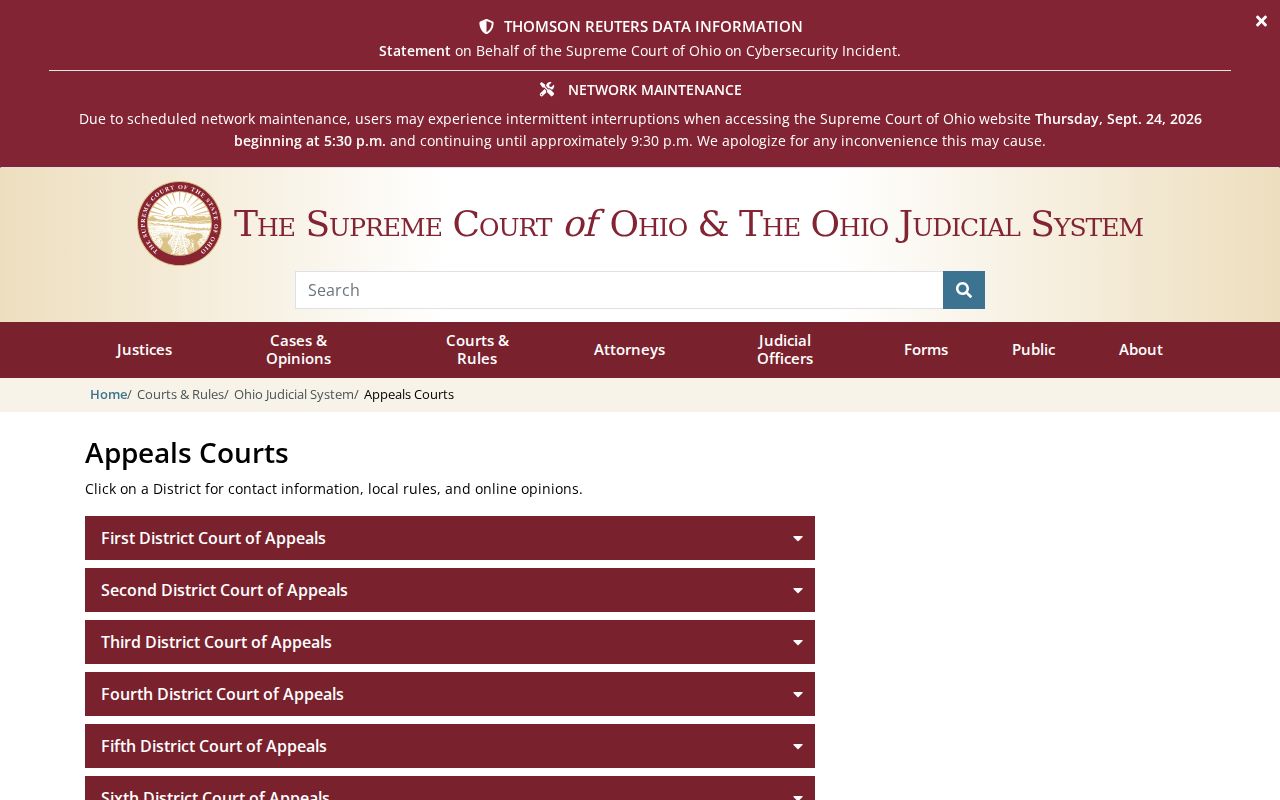
An appeal builds a second, separate record trail beside the trial court file. Ohio's twelve Courts of Appeals sit in districts. Each district clerk keeps its own docket and records. The trial-court docket may show a notice of appeal and transmission activity, but the appeal itself carries a separate appellate case number. To find the right clerk, work out the district from the case location. Then use the Supreme Court of Ohio's official Courts of Appeals directory.
That directory's district list shows appellate records organized by district. They are not folded into one universal case file. The practical split is simple. A trial judgment request goes to the trial court's clerk, while an appellate filing or opinion request goes to the district clerk that holds it.
Check which stage of the case produced the record before you contact a clerk. Trial and appellate files stay distinct.
Inside an Ohio Court Record
An Ohio case file can hold many papers. These include the general docket, pleadings, orders, judgments, service returns, and other filed papers. What appears online depends on the court and its vendor. No universal county case number, docket-event code, or document layout fits every Ohio case. So treat this as a map of what a record may contain, not a promise about any portal screen.
Keep the pieces straight. The docket is the chronology. An image or paper filing is the item named in that history. A portal may show the caption and dates, but it can omit counsel, financial details, attachments, or the full disposition. When the legal outcome matters, read the specific order or judgment itself.
| Case header | Court, case number, caption, case type, division, or status where the local system exposes them. |
|---|---|
| Parties | Names and roles may include plaintiffs, defendants, petitioners, respondents, or added parties; displayed details vary. |
| Docket history | Dated filings and actions. Local event labels are not a statewide code dictionary. |
| Documents | Complaint, motion, service return, order, judgment, and exhibits when the portal or clerk makes them available. |
| Settings and outcome | Hearings, disposition, costs, appeal or execution references may appear, but no single vendor shows every field. |
| Redactions or limits | Personal identifiers and restricted documents may be omitted or concealed under the governing rule or order. |
The Ohio Court of Claims Records Portal
Ohio's Court of Claims keeps its own statewide Odyssey Portal. Anyone can search it without registering. Look up a case number or party name. Apply date and case-type filters, or switch to a separate hearing search. A result may show case information, parties, causes, disposition events, hearings, financial information, and documents. Keep the scope in mind: this portal covers the Court of Claims only. It will not reach the county Common Pleas, Municipal, County, Domestic Relations, or Probate dockets.
The Court's public Odyssey Portal splits Smart Search from hearing lookup. A county case, by contrast, stays with that county's custodian.
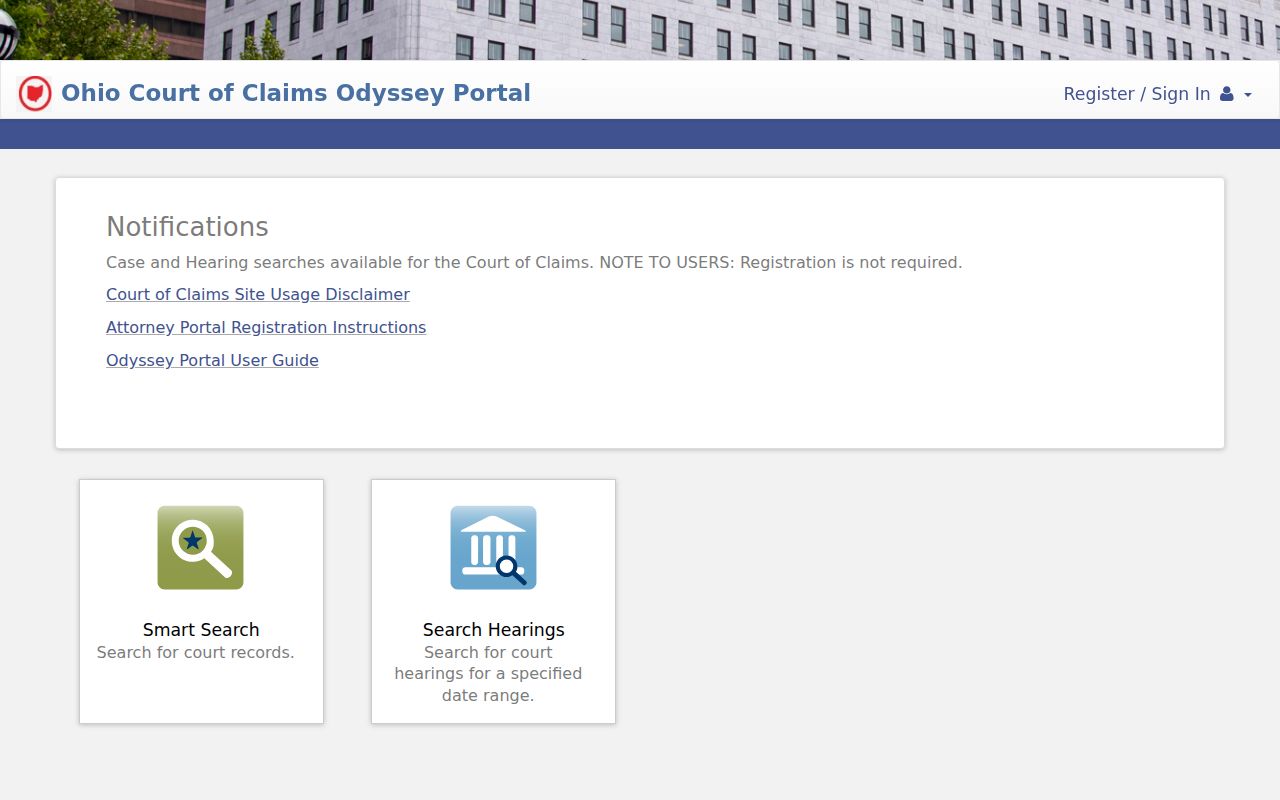
A search result online is handy, but it is not a certified record. The portal's own usage notice is blunt about that. Its documents, it says, are not the official court record. They also come with no certification of authenticity.
The Court of Claims gathers its tools on an Online Services page, which links to the case search, calendar, electronic journal, open-data information, transcripts, and forms. One tip from the official guide: for a multi-page portal document, pick “Download Document” to get every page. Need a certified copy? You must request it in person from the Court of Claims Clerk in Columbus.
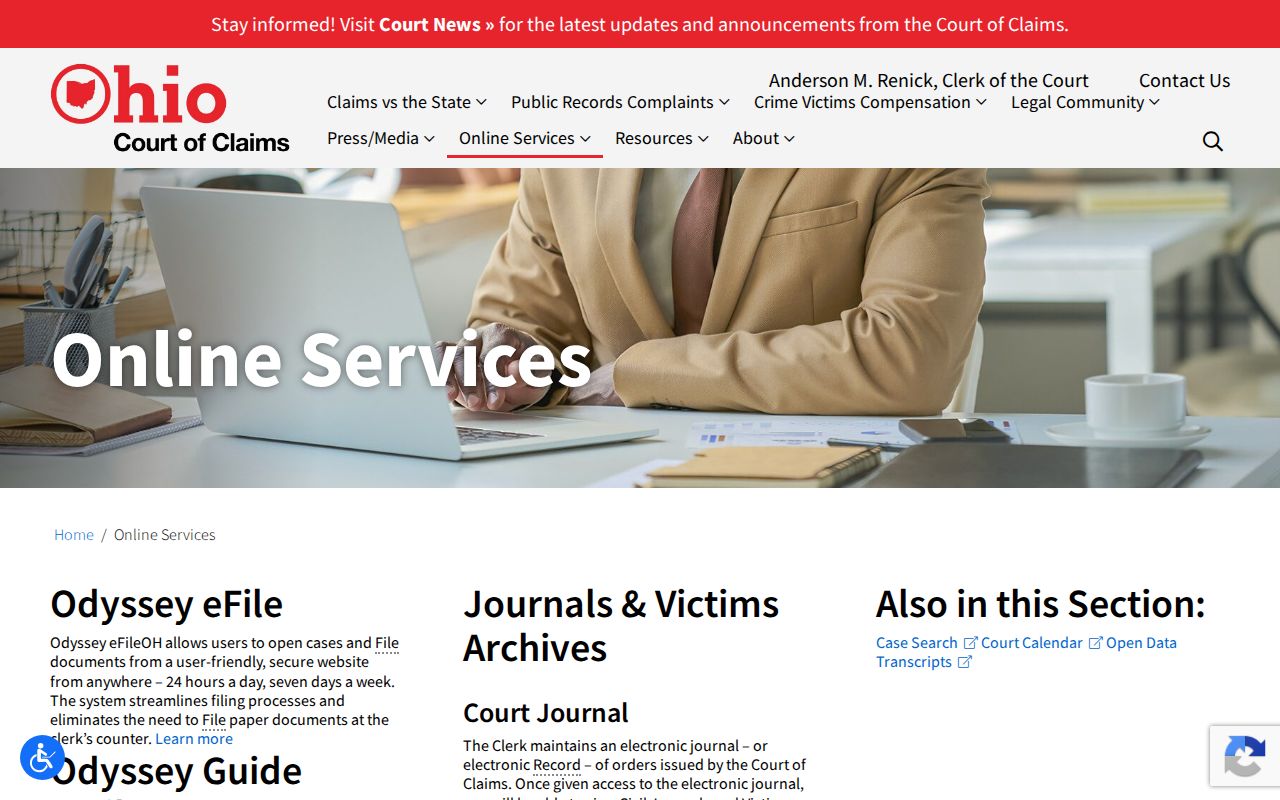
Those channels belong to the Court of Claims alone. A certified county judgment or case file has to come from the clerk who holds that local case. And remember the limit: Court of Claims records stay court-limited, and a portal copy is never the same as a certified one.
Ohio Certified Copies and Fees
Certification comes from the clerk or court that keeps the case. Say exactly which item you need. That may be a docket entry, judgment, order, or other filing. State up front that you want it certified. Pricing varies widely. The fee can turn on court type, page count, certification level, postage, and local delivery or vendor charges. R.C. 2303.20 sets out the fees for Common Pleas Clerk of Courts services. Yet it does not fix one price covering every Municipal, County, Probate, Common Pleas, appellate, and Court of Claims record. Ask the specific clerk before you send money.
| Record or service | Ohio-wide position | Hamilton County example |
|---|---|---|
| Plain copy | Actual access and copying cost or court-specific statutory fee; confirm with the custodian. | $0.10 per page on the inspected form. |
| Certified copy | No single all-court amount; ask how page and certification charges are counted. | $1 per page on the inspected form. |
| Triple certification or exemplified copy | No universal fee across Ohio courts was identified. | $3 per certification on the inspected form. |
| Search or archive retrieval | No uniform fee for every court or archive was verified. | No search fee is printed on the inspected form; archive handling can vary. |
Hamilton County's rates are one local example, not a statewide schedule. In Ohio, the type of court decides which fee statute or local charge applies. The current document request form spells out the amounts and delivery instructions. So check it before mailing payment. Ask too whether paper pages, postage, or certification charges get added separately. The Court of Claims keeps its own copy schedule for its own records.
Ohio Court Record Rules Changed in 2026
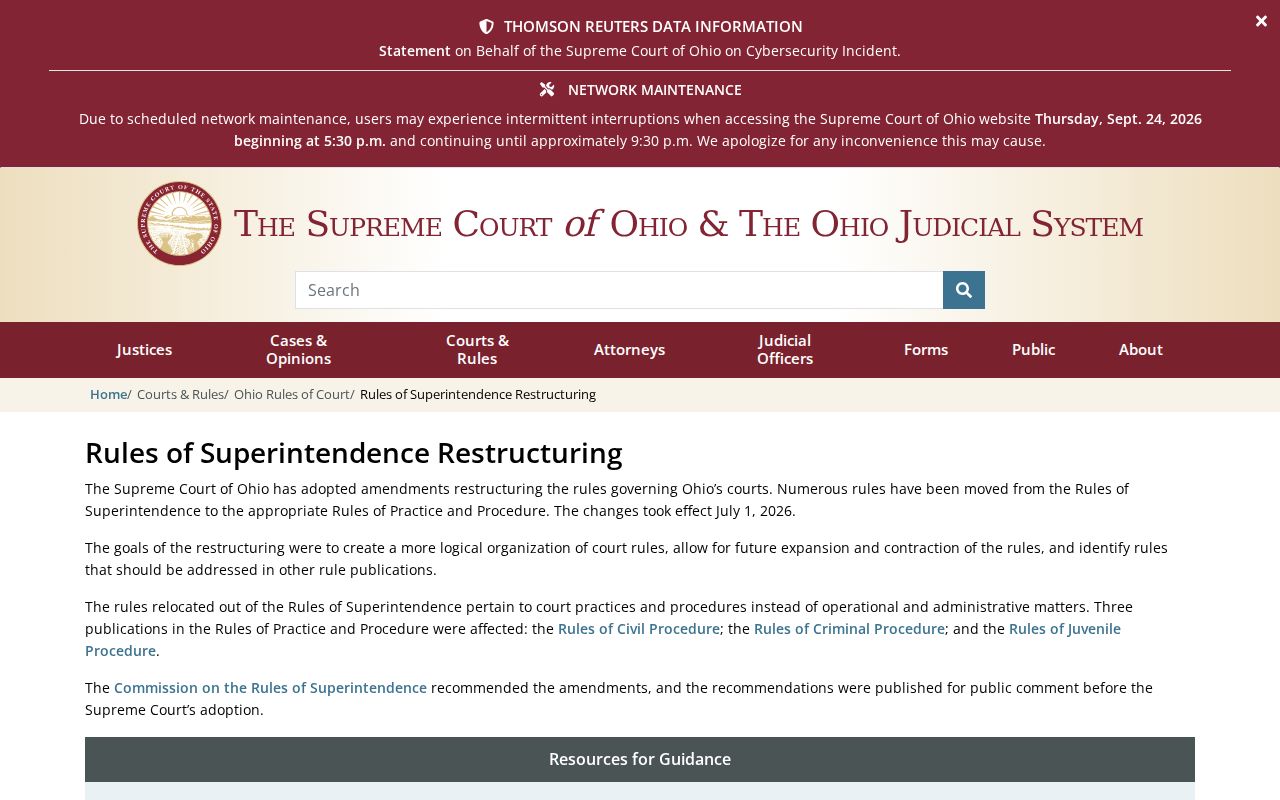
Ohio renumbered its court-record rules effective July 1, 2026. The public-access provisions once listed as Sup.R. 44-47 now live at Sup.R. 11.09-11.16, and Sup.R. 11.17 covers sealing and expungement forms. Plenty of county pages still show the old citations. If a docket request cites a former number, check the current rule index before assuming anything changed.
Walking into the clerk's office and going online are two different doors. Sup.R. 11.11 obligates courts to open public court records to inspection during normal business hours. Sup.R. 11.12 allows remote access, though it does not force every record onto a screen. So when an attachment fails to load in a portal, ask the clerk directly. The missing paper often exists.
The Supreme Court's rule restructuring page shows how the former numbers map onto the current Ohio public-access rules.
Note: Cite the current rule number when you contact the court about a case file, but let the clerk decide the access route for that specific record. Older forms and county pages may still reference Sup.R. 44-47.
Ohio Record Access and Sealing
Ohio treats its judicial case records as public by default. That presumption bends, though, when statutes, access rules, or court orders say otherwise. A docket line you can read does not guarantee every attachment is viewable online. Identifiers get redacted. Juvenile materials follow special access rules. Adoption records stay confidential. A search that returns nothing may simply mean the wrong division was searched. The file may predate online coverage, or the record may sit with an older system. It does not prove a sealing order exists.
For access to an Ohio court file, work from the current Rules of Superintendence. The Ohio Public Records Act covers eligible public-office records. Ordinary judicial case files, while related, fall mainly under the court-access rules. No statewide turnaround clock exists for court-copy requests. Cost and delivery depend on the court and the record.
Ohio access authorities:
Sup.R. 11.09-11.17 cover public access, personal-identifier redaction, restriction, and sealing procedures.
R.C. 149.43, the Ohio Public Records Act, governs eligible public-office records and should not be treated as the general rule for judicial case files.
R.C. 3107.17 protects adoption records; juvenile records have separate protections under R.C. 2151.356 and Juvenile Rule 37.
Note: A no-result search cannot tell you whether a file is restricted, archived, or simply held by another Ohio court.
Older Ohio Court Records Need Local Retrieval
An Ohio docket search that comes up empty does not mean the case vanished. Older filings often sit on paper, microfilm, or in an off-site archive. They are not always in a live online index. Contact the clerk who holds the case. Supply the case number or caption, the year, the court division, and the exact entry or document you want. Ask whether the file is onsite or archived. Ask how long retrieval takes. Retention rules and storage setups differ across Ohio. So a failed online search proves nothing about whether a record was destroyed or sealed.
Two state resources can help with older material. The Ohio History Connection State Archives and its Local Government Records Program hold and advise on government records. Neither replaces a current clerk's docket search. Begin with the office that holds the case. That staff can point you to wherever a transferred record went.
Transcripts work differently from ordinary clerk copies. A court reporter or transcriber prepares them and quotes the cost, format, and payment terms. Ask the court office for the right contact, since Ohio sets no single statewide transcript rate.
For an appeal, an audio recording, or an archived exhibit, request it apart from the docket sheet. The clerk can tell you who actually holds that record. Access limits and delivery time will depend on the case and where it is stored.