
Running an Ohio Statewide Case Search
Ohio runs two narrow statewide case-search services. It has no single portal for all county trial courts. The Supreme Court of Ohio ECMS search handles matters pending before that Court alone. The Ohio Court of Claims Odyssey Portal serves only that statewide court. Everything else starts locally. A Common Pleas, Municipal, County, or Probate case lives in one place. Go straight to the court or clerk where it was filed. Read the court name and county on your paperwork first. What counts is where the case lives, not whether a search page calls itself statewide.
Follow this Ohio sequence to pick the right case search:
- Identify the Ohio court and county shown on the citation, order, or case notice.
- For an Ohio Supreme Court case, search ECMS by case number, caption, or party.
- For an Ohio Court of Claims case, use Odyssey Smart Search or its hearing search.
- For an Ohio trial case, open the county directory and select the court or division that holds it.
- Use Ohio eStats only for court workload totals, not to locate a person’s case or hearing.
The Ohio ECMS guide describes these public search fields and result controls:
| ECMS field or control | What it does | Search note |
|---|---|---|
| Case Number | Finds a known Ohio Supreme Court case identifier. | The guide gives no universal Ohio county format. |
| Caption | Searches the Ohio Supreme Court case caption. | Use the case title when known. |
| Party First Name and Party Last Name | Searches a party to an Ohio Supreme Court case. | These Ohio fields apply to Supreme Court matters only. |
| Party Entity | Searches an organization or other entity party. | This is not a county or court selector. |
| Attorney search | Advanced options allow an attorney search. | Exact labels depend on the guide version. |
| Results and case tabs | Sortable results, pagination, docket items, parties, decisions, and accepted issues. | A document icon may open an available file. |
The Supreme Court's ECMS case-search page shows the high-court interface. Its form has no county field and no Common Pleas, Municipal, County, or Probate selector.
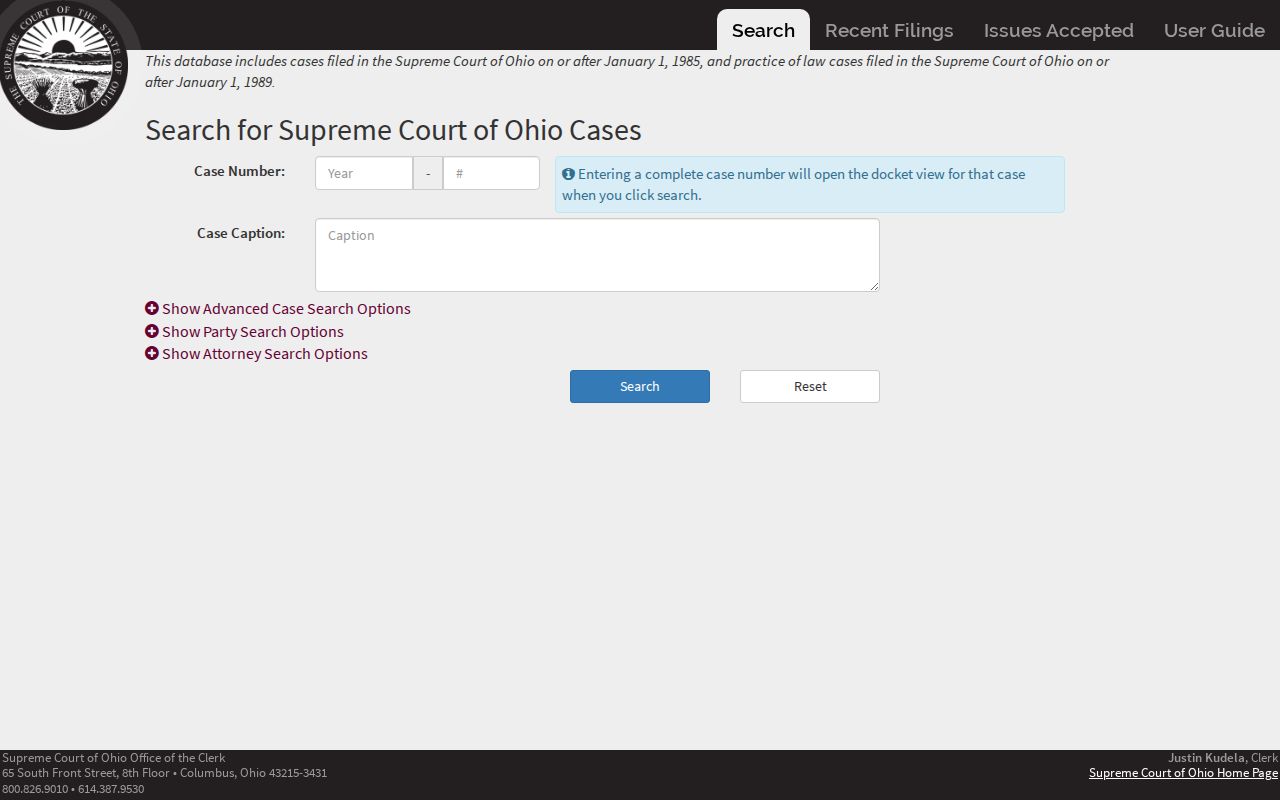
That limited scope matters. An ECMS result answers a question about a Supreme Court matter, not whether some Ohio county trial case exists.
Ohio Supreme Court Case Search Scope
ECMS belongs to the Supreme Court of Ohio Clerk's Office. A public result can show the case number, caption, filing date, status, case type, and prior jurisdiction. Case details go further, with docket items, parties, decisions, and issues accepted. Recent Filings and Issues Accepted appear as separate views. Those fields make ECMS strong for following an Ohio case once it reaches the state's highest court. They do not make it an index of every lower-court matter or every appeal filed in an Ohio district.
The official ECMS User Guide describes a public search form with no county drop-down. It promises no document image for every docket item. It also offers no universal lower-court year range. So tracing an appeal may take separate searches. You may need one at the trial court and one in the right Court of Appeals district. If the Supreme Court accepts a later case, you will need one in ECMS too. Each stage in Ohio can carry its own docket number and its own clerk.
Note: An Ohio case missing from ECMS may still be active. It could sit in a trial court or an intermediate appellate district.
Ohio Case Number Searches
A case number is usually the sharpest search key. Yet Ohio has no single trial-court number pattern. The format shifts with the court, county, division, case type, and filing year. The Supreme Court typically shows a year followed by a sequence, written YYYY-####. Trust the number printed on the Ohio court paper. Converting it to another court's pattern only invites errors.
The Court of Claims adds its own suffixes. A guide example is 2017-00050AD. That format belongs to the Court of Claims and nowhere else. Do not apply it to Common Pleas or municipal cases. When a local search offers a case-number mode, enter the full identifier. Is the number incomplete? Confirm the Ohio filing court before trying other systems. A shared year or sequence does not prove two records come from the same court or case.
A case-number form from the Hamilton County Clerk gives one local example. It includes optional date filters and docket-entry order controls.
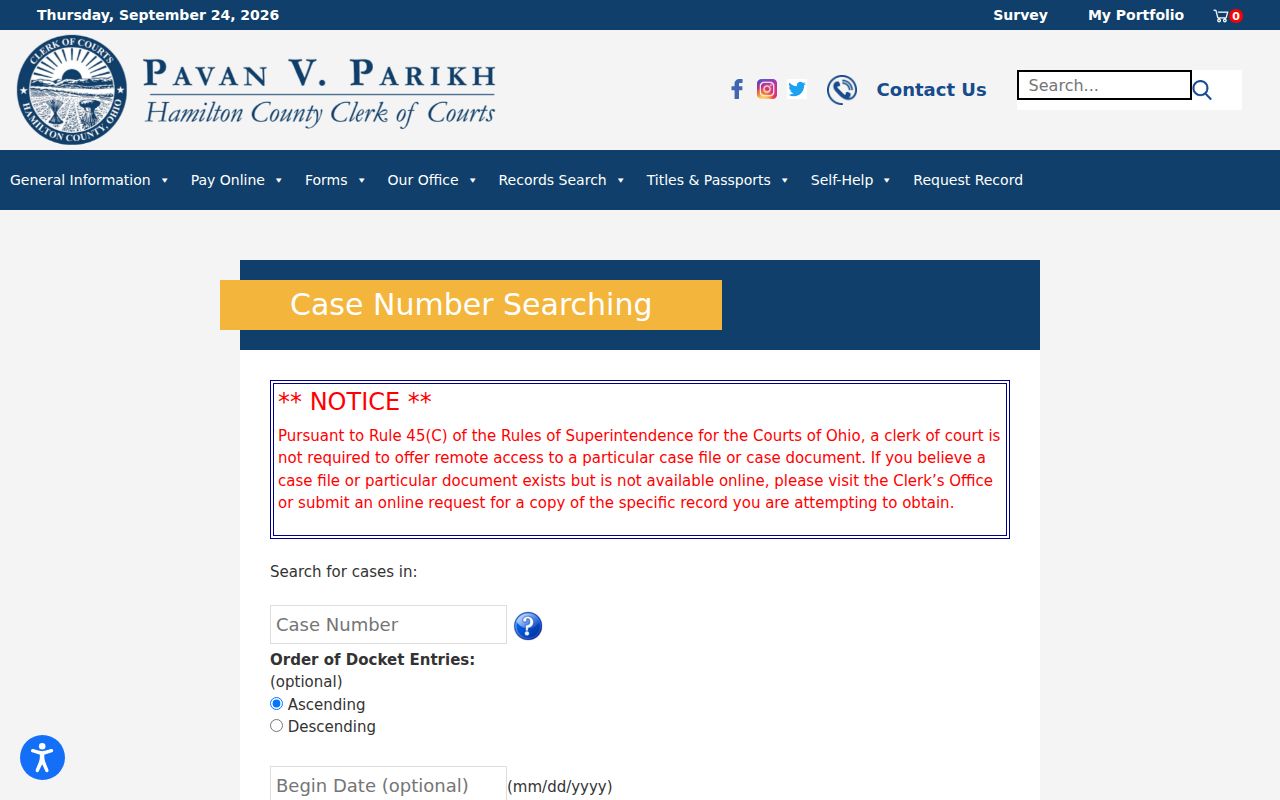
Those fields illustrate one county portal only. Another Ohio court may use different names, case categories, or search modes.
Ohio Local Case-Search Forms Use Different Filters
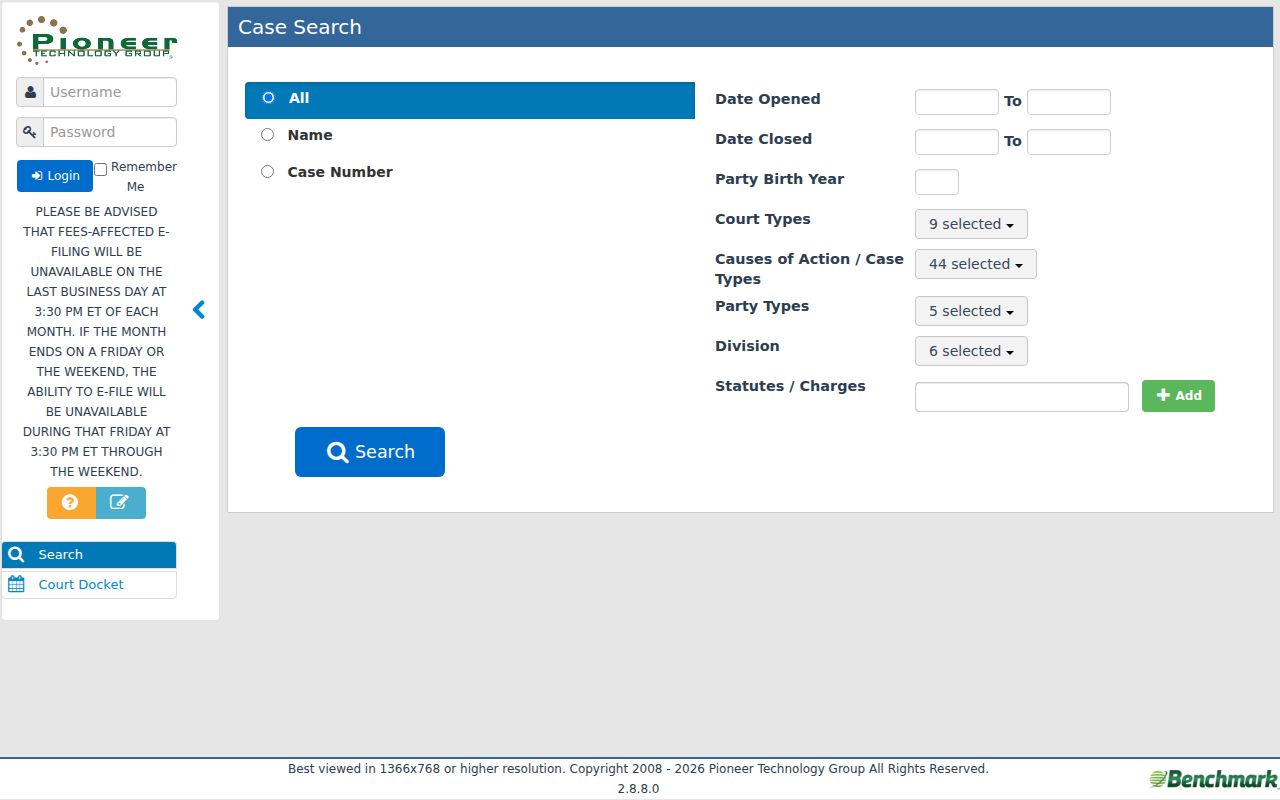
Local Ohio portals usually split a search by name, number, court, or case type. Their labels are not statewide standards. A Common Pleas site may separate civil, criminal, and domestic-relations records. A Municipal Court site may split traffic, criminal, and civil routes. Some forms add opened or closed dates, division, party type, cause, or statute. Apply a date or division only when it matches the paper. One wrong extra filter can hide a docket result entirely.
The Warren County Clerk's Common Pleas inquiry offers case history from May 1991 forward. Older entries from 1980 to May 1991 carry more limited reference and caption information. Filings there have no document images attached.
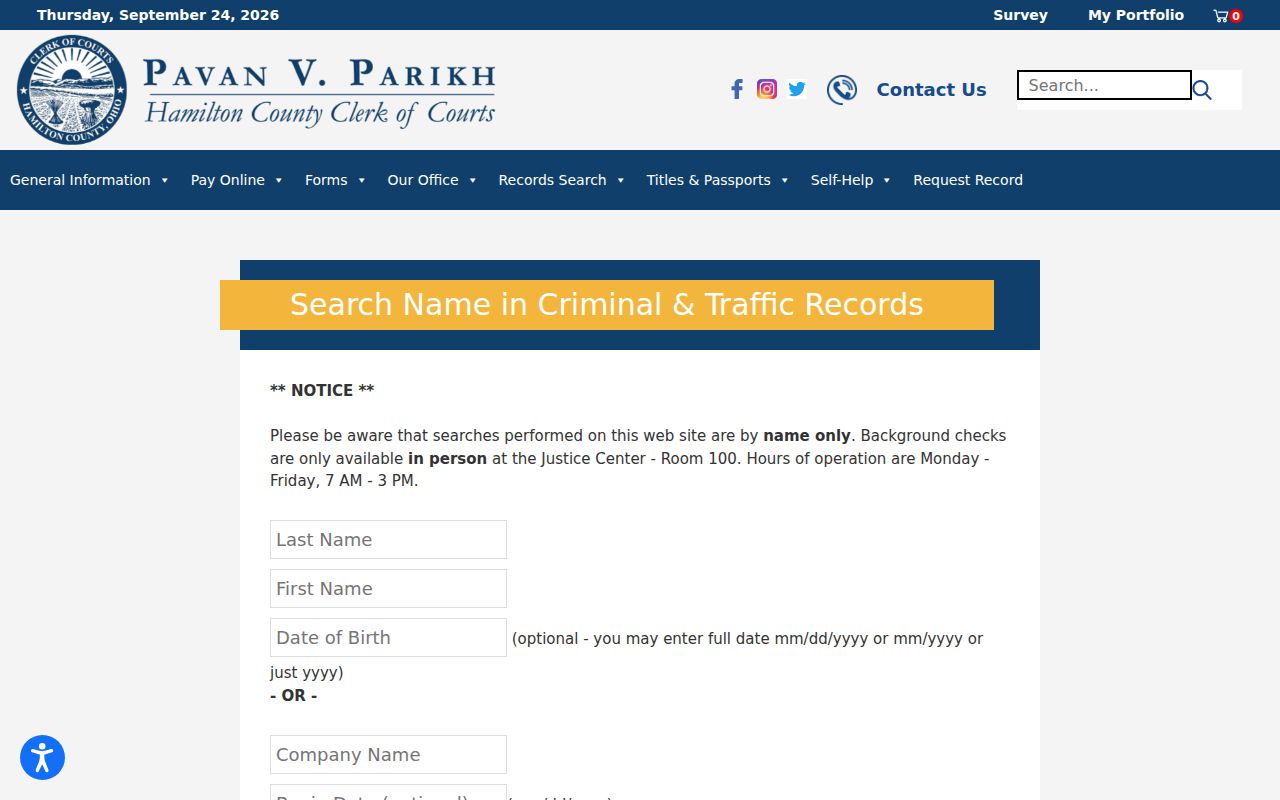
The Hamilton County name-search form takes a first and last name, an optional date of birth, a company name, and date filters. For common names, it advises a last name plus first letters.
These examples point to one lesson: an Ohio case search should follow the Ohio court itself rather than assume a shared form, date range, update schedule, or image policy.
Note: Local field names and historical coverage describe only the court site that publishes them, not every Ohio court.
What an Ohio Case Search Returns
An Ohio search result is only a pointer. It points you into one court's record system. ECMS tags Supreme Court cases and shows its own docket tabs. County and court portals, meanwhile, may return a summary or a chronological history. The fields you see depend on the local vendor and division. A result often confirms the court, the filing date, the case type, the status, the parties, or the order of events. That is real progress. Still, it may leave out filed documents, a current balance, the hearing room, or a restriction. The table below walks through common result concepts. It also flags where Ohio systems differ from each other.
| Case number and caption | The court identifier and case title; restricted matters may limit displayed party details. |
|---|---|
| Court, division, and jurisdiction | Identifies the court that holds the record when the local system exposes those fields. |
| Filing date and status | May show when a case opened and a current or closed status; local labels differ. |
| Parties and attorneys | ECMS has party details; local result pages vary in the names and roles they display. |
| Docket items or events | A chronological case history is not necessarily the full set of pleadings, orders, or images. |
| Documents | A link or document icon may open an available file, but no search guide guarantees every image. |
| Decisions and issues | ECMS includes Supreme Court decisions and issues accepted; these fields do not define local trial results. |
Never read an event alone. Pair it with its date and the entry that follows. An entry recording a motion means only that someone asked. The court may not have ruled. A calendar notice, likewise, is not the signed order. To verify an outcome, open the filed entry when the docket offers one. Or ask the clerk who holds the original. For an Ohio trial case, that keeper is the local court or clerk. It stays true even when a separate statewide site offers a related search.
Ohio eStats Counts Work, Not Individual Cases
Ohio eStats answers a different question. The dashboard reports totals: filings, terminations, pending matters, clearance rates, and time-to-disposition. Pick a court, a jurisdiction, or a judge. Then you can read workload trends for that selection. What you cannot read is a person. eStats returns no party names. It gives no case numbers, no filing dates for one individual, and no docket entries at all. A county's reported volume says something about Ohio court activity. It cannot confirm that any single case was filed, transferred, scheduled, or closed.
The Supreme Court's Ohio eStats dashboard says so plainly: this is summary reporting, not case detail. Trial courts send their numbers to the Supreme Court under reporting rules. That reporting path publishes no common case-level search. Current-year figures can lag. The dashboard also defines measures like clearance rate and pending cases. That way the totals are read with context.
Note: A workload chart can explain court volume. But it cannot stand in for a case number or a clerk's docket.
Ohio Statewide vs County Search
Treat "statewide" with care in Ohio. ECMS reaches Supreme Court cases. Odyssey reaches Court of Claims cases. But neither gives you a county selector for ordinary trial dockets. For Ohio Common Pleas, Municipal, County, and Probate records, local clerk and court sites remain the general route. A portal can help you spot a case inside its own jurisdiction. The Ohio court holding the trial file, though, still owns the full docket. It also owns any certified copy you may need.
| Search route | Coverage | What to expect |
|---|---|---|
| Supreme Court ECMS | Cases before the Supreme Court of Ohio. | High-court case detail and docket items; not county trial coverage. |
| Court of Claims Odyssey | Cases in the statewide Court of Claims. | Case search and hearing search for that court; portal copies are not certified. |
| Local trial-court portal | The court, county, and divisions served by that local system. | Case history and any documents the local court publishes; access differs. |
| Custodial clerk | The local case file kept by that court. | Route for older records, missing documents, and certified copies. |
Start a trial-docket search with the Ohio county directory. Pick the county, then use the court named on the case paper. For how local case records fit beside state-level appellate and statistical services, the Ohio court-system overview lays it out.
Ohio's Directory Routes Trial Case Searches
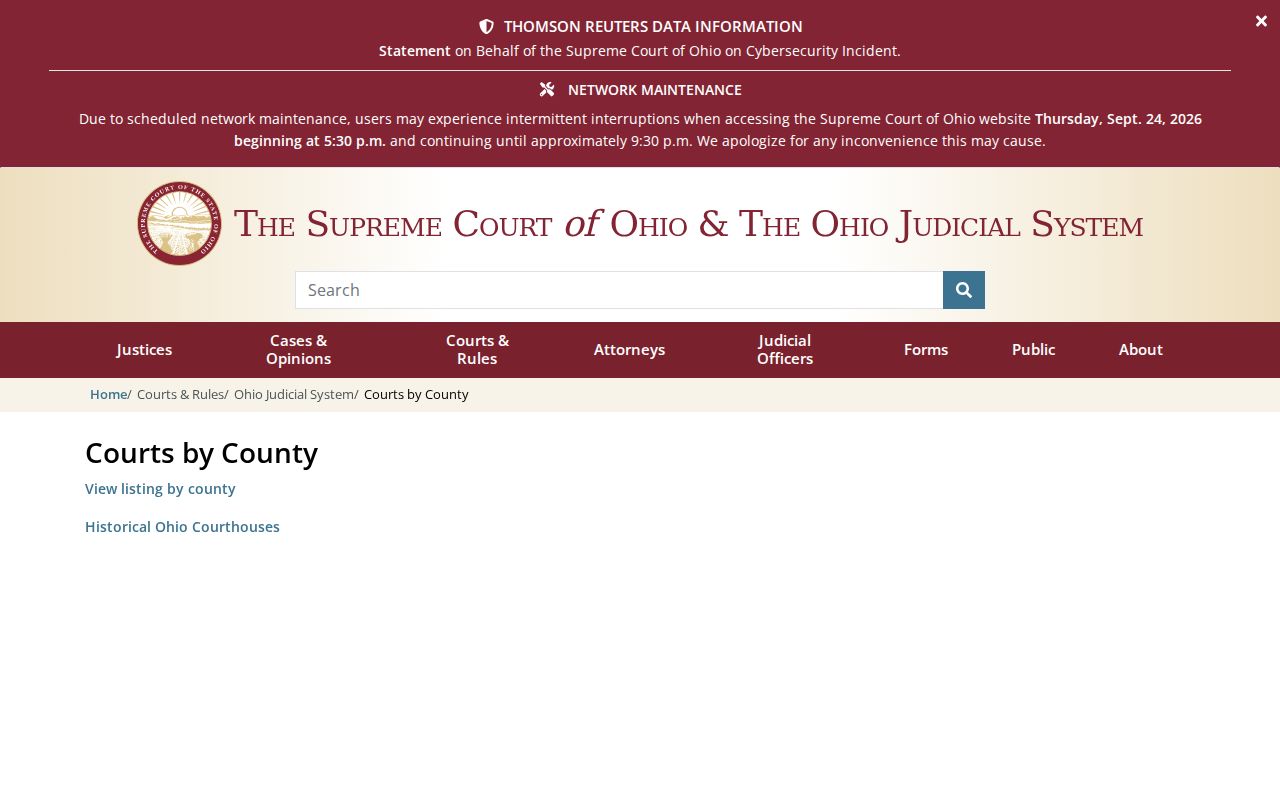
No idea which local portal to use? The Supreme Court's trial-court directory is the official route. It organizes trial courts by county and links to local court information, but it does not host or search any court's docket itself. Pick the county shown on your paper. Confirm the court type and division. Then follow the court or clerk link. Keep in mind that a Common Pleas felony file, a traffic citation, and a probate petition may sit with different offices even when the courts share one county system. The directory page itself shows how the state routes readers outward to each local court site.
Once you know the Ohio court, search the printed case number first. An empty result deserves one more check. Confirm the division is right before you fiddle with spelling or dates. Many Ohio courts also offer a public terminal or a clerk contact for direct access. So call the division clerk when the portal seems thin. A miss can mean a different Ohio court tier. It can also mean an older archive, a separate division, or a restricted record. It is not proof the court never opened the case.
Note: The Supreme Court directory points to local custodians. It does not combine their trial-court dockets.
Restricted Cases in Ohio
Not every Ohio case shows up in full. Juvenile, adoption, sealed, and court-restricted Ohio records may be absent from a name search. Or they may display only limited information. A blank result can also stem from the wrong court. It could be a different division, a historical archive, or a narrow portal. So do not infer sealing from one empty screen. Check the court and case type printed on your notice first. Then ask the clerk whether the file sits elsewhere or falls under an access limit.
Ohio's public-access rules open records broadly while keeping protected information and restricted case material offline. A local portal may strip sensitive document details yet still show a basic docket entry. When you hold the right identifier, a query by case number often beats a party-name search. No search method, though, overrides a rule or court order that limits public access. For files governed by a local court's access process, follow the clerk's directions. Do not treat an online screen as the complete court file.
Ohio Court of Claims Case Search Limits
Ohio does have a statewide case search, but only for one court. The Odyssey public case portal serves the Ohio Court of Claims alone. So it will not reach the Common Pleas, Municipal, County, or Probate dockets kept by the state's 88 counties. Anyone can search it without registering. Attorneys and other authorized users get elevated access. In Smart Search, type a case number or a party name in "Last, First" form. The match is literal, so exact spelling matters. Date and case-type filters help trim a broad query.
Inside the portal, each case opens into sections. These cover case information, parties, causes, disposition events, hearings, financial entries, and documents. Results are paginated, and only the first 200 display. That is one more reason to narrow a wide docket search with filters. A document link may open a view or a download. Read the fine print, though. The portal itself says its information is not the official record and is not certified. Sealed or confidential material may not appear.
The Court of Claims also lays out its online services and public search as separate tools. A hit on the public portal is not a certified copy. For certified Court of Claims records, ask the Clerk in Columbus. For a county trial-court docket, go to the local clerk instead.
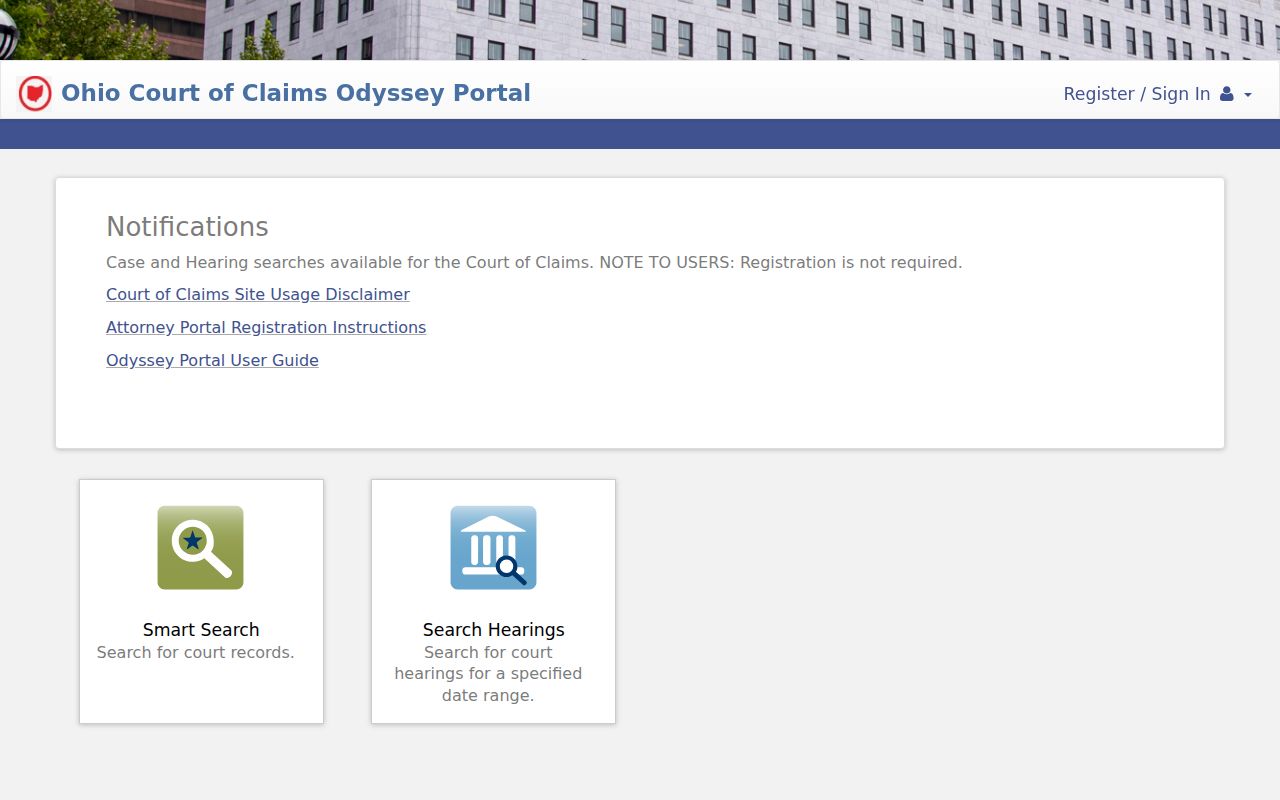
Note: The Court of Claims portal searches one statewide court. Local Ohio trial records stay with their own courts and clerks.